Inspecting the Master Plan
2 hours of SQL video using NASA's Cassini data. See why developers become data pros.
Postgres ships with a powerful binary client, psql. If you're not a command line person, it can take a little getting used to. It's worth the investment, however, because the speed and scriptability of psql is extremely powerful.
You can login to your database with a simple command:
psql cassini
Once you're in, you can have a look around and see what's there:
\d
\d csvs.*
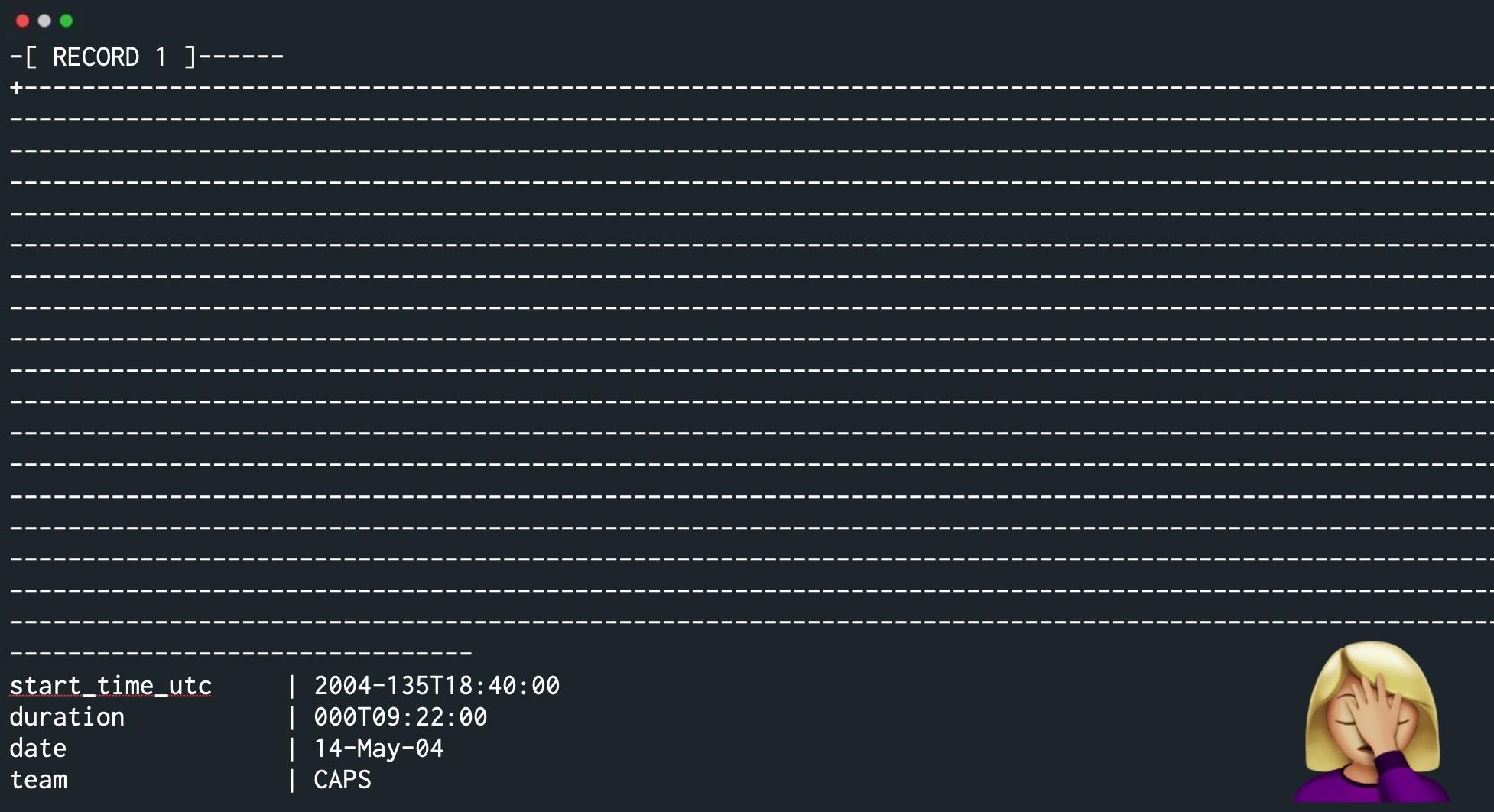
If you run a query on our master_plan table, you'll quickly find the results unreadable, which means we should use expanded display using \x - and sometimes that doesn't even help!
The easiest thing to do is to specify what you want to see, and to be sure you limit the results. This is our first select query!
<span class="hljs-keyword">select</span> start_time_utc, duration, <span class="hljs-type">date</span> <span class="hljs-keyword">from</span> csvs.master_plan limit <span class="hljs-number">5</span>;
If you want to use a web-based GUI, you can run PG Web using Docker:
<span class="hljs-attr">pgweb:</span>
<span class="hljs-attr">container_name:</span> <span class="hljs-string">pgweb</span>
<span class="hljs-attr">restart:</span> <span class="hljs-string">always</span>
<span class="hljs-attr">image:</span> <span class="hljs-string">sosedoff/pgweb</span>
<span class="hljs-attr">ports:</span>
<span class="hljs-bullet">-</span> <span class="hljs-string">"8080:8081"</span>
<span class="hljs-attr">environment:</span>
<span class="hljs-bullet">-</span> <span class="hljs-string">DATABASE_URL=postgres://rob@host.docker.internal/cassini?sslmode=disable</span>
2 hours of SQL video using NASA's Cassini data. See why developers become data pros.