● videoExtraction
Validating the Master Plan
Unlock PostgreSQL Fundamentals
2 hours of SQL video using NASA's Cassini data. See why developers become data pros.
SECTION
Extraction
NEXT UP
Creating a Proper Import Script
COURSE
PostgreSQL Fundamentals
28 lessons
About this lesson
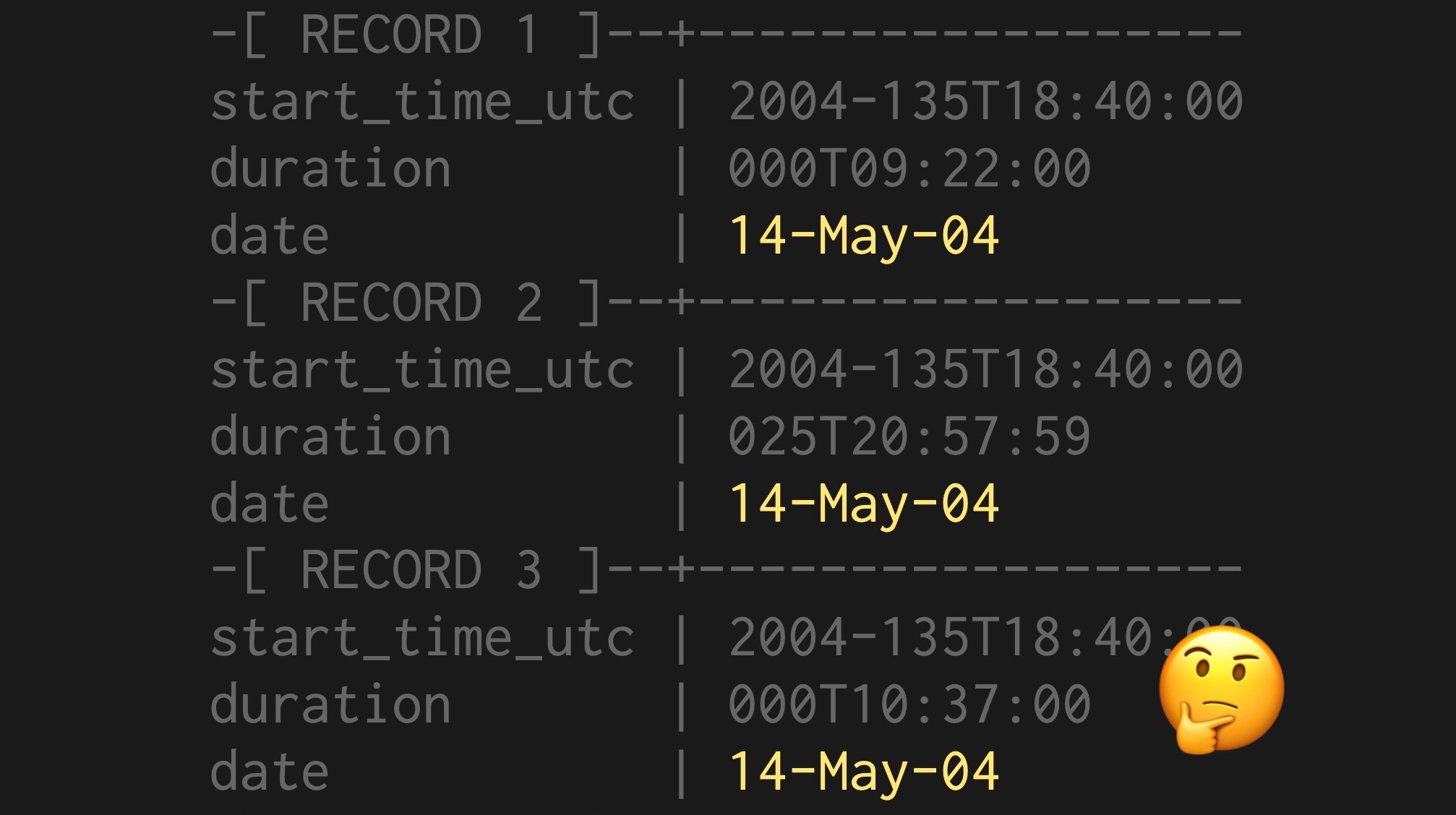
The date information in our imported data looks a little strange, with a timestamp that's formatted as year-dayofyear, a duration, and a weird column named date that's formatted in a pretty simplistic way.
We can validate that the timestamp format won't cause problems by running a simple query, casting it to an ISO string:
select start_time_utc::timestamp from csvs.master_plan;
That will throw if the conversion won't work.
You can reconcile two fields of data by running a simple comparison. The trick, however, is to be sure they're the same type, and we can do that by casting (::) both to a date:
select start_time_utc from csvs.master_plan
where start_time_utc::date <> date::date;
Unlock PostgreSQL Fundamentals
2 hours of SQL video using NASA's Cassini data. See why developers become data pros.