A Quick Discussion on Premium Tools

A focused workshop for working developers who need to use AI right now, in real projects, under real time pressure.
Paying for an AI coding tool is a simple decision: it's well worth the money. A good AI coding tool will save you ridiculous hours writing boilerplate code, shell scripts, commit messages, and generating the commonly used files your project needs, such as a README.
It feels like you're giving up control, doesn't it? Indeed, we'll be discussing that in the next section. For now, let's review (quickly) some of the premium tools.
Claude Code
I have a subscription to Anthropic's Claude AI. It's $20/month and well worth it as I find their answers to be superior to other models.
Specifically, I love Claude Code, which is their CLI tool:
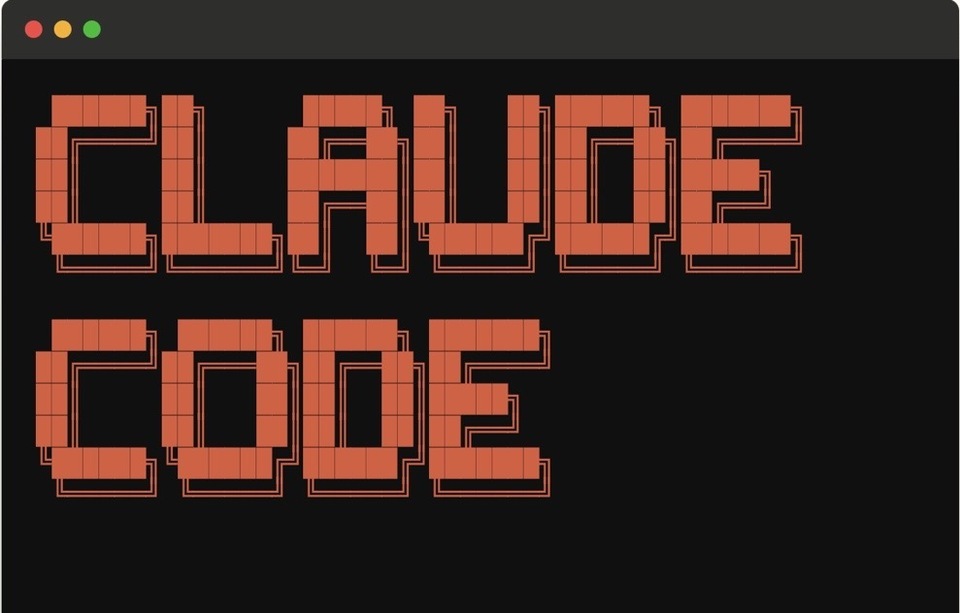
You don't need a plugin for your IDE or editor - it's all CLI-based. They spent extra time making the CLI tool incredibly interactive as well.
I find the flow intuitive and simple to follow. It also doesn't intrude on my flow. I suppose this is a bias of mine: I like CLI tools.
Cursor
I've used Cursor for a few projects and I like it. It's fast, simple (for the most part), and it feels like VS Code. That's because it is VS Code, with a few minor tweaks. Namely, there's no Copilot button:
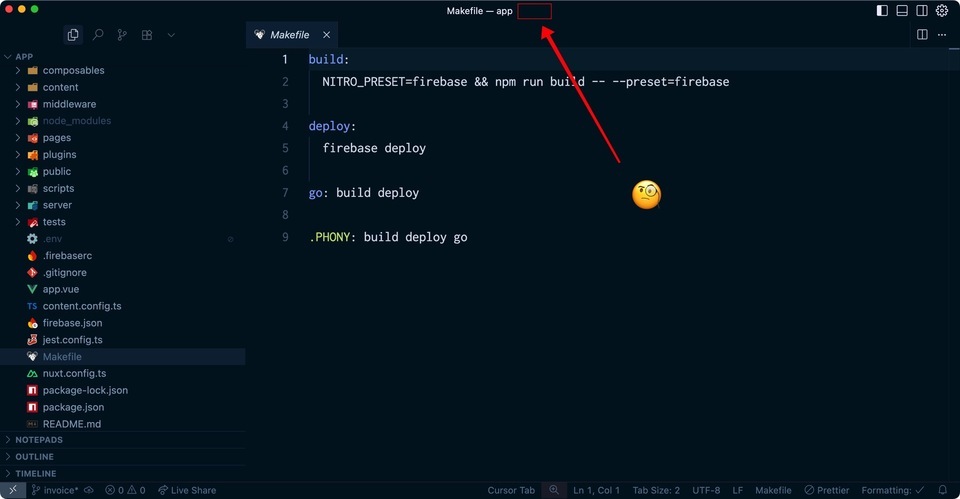
There are similar windows in Cursor's version of VS Code (chat, inline) and there's also very intuitive code completion, where you can basically TAB your way through a file and have it built for you (thus the term "tab-driven development").
Cursor also costs $20/mo but they do have a limited free tier. If you like AI built-in to your editor, it's a solid choice as it is much more intuitive than Copilot.
There are a few downsides to Cursor, however, that should be discussed.
The first is license violations for extensions. Cursor uses the VS Code extension library, which means it allows for downloading and using Microsoft-built extensions, such as those for C# and C++. The licensing for those extensions prohibits their use in non-Microsoft IDEs. Microsoft blocked their use by Cursor, and Cursor then released their own versions of the extensions, which were apparently just the original extensions rebranded to look like Cursor wrote them.
Microsoft is a big company and you could argue that this is karma coming back at them because they, like so many other companies, use open source tools to make a lot of money. They don't do it by flouting licenses, however, and it's puzzling to understand how the Cursor team decided to just "do it anyway".
The second downside is rug-pulling" when they changed their price plan and lowered request limits from "unlimited" to "extended". This made a lot of people angry and so Cursor tried to clarify things which made it even worse.
The third issue is how the Cursor team interacts with the community, which has been questionable in the past. They tend to ban people on Reddit, or remove posts entirely if they deem these posts "not useful" or "possibly misleading". While it's fair to defend yourself against false attacks, deleting and banning someone who is upset with your product is not a good look.
When you're a young startup burning through VC money, staying out of trouble and building trust is your priority, especially for developer tools. For me, personally, given Cursor's propensity to YOLO their growth is off-putting. That said, I do know they have a very active user base that loves their editor.
Windsurf/Codeium
Windsurf is another fork of VS Code that looks a lot like VS Code without Copilot:
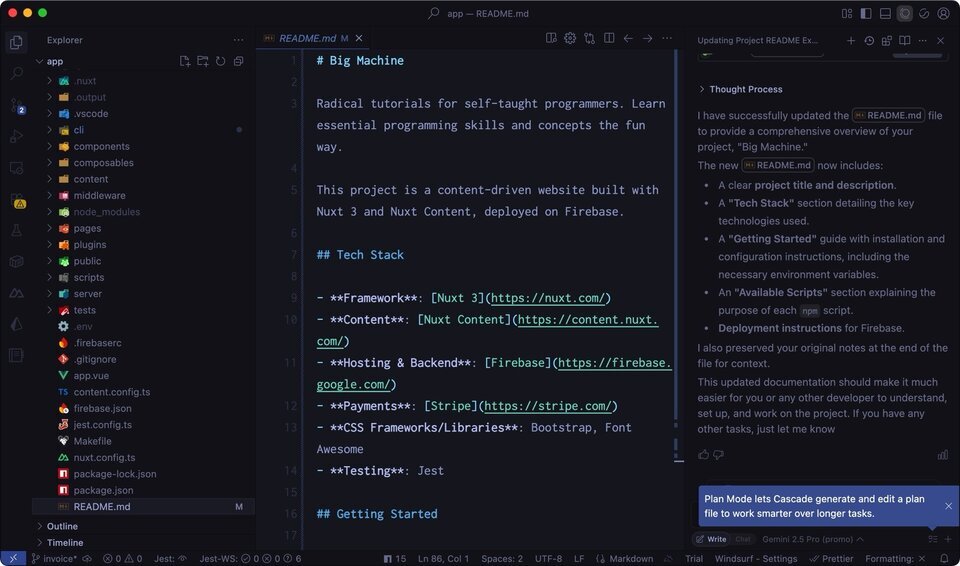
Here, I asked Windsurf to update the README using Gemini 2.5-pro, and it did a reasonable job (Gemini, that is).
Like Copilot and Cursor, there is a chat panel to the right that lets you work with your code using the model of your choice. You can use your own access key if you like, or you can subscribe to Windsurf.
At the risk of being dismissive, Windsurf and Cursor do basically the same things and have the same risks - namely the extension licensing issue. They charge money (like Copilot does) so you can use AI when coding.
Every Other One I've Missed
The bottom line is that every tool out there will either attach itself to your editor/IDE or provide its own interface, which is usually a CLI.
You pay them money to access their proprietary LLM, or to access one of the more popular ones out there, such as Claude Sonnet or, more recently, Claude Opus.
So, in summary: you're either paying for LLM access, or tool use. These are very different things.
Access to Tools
Every LLM add-on or editor, aside from Copilot (Microsoft), Amazon, or JetBrains tools, is likely a startup of some kind, or a one-off venture from a larger company. These startups are well-funded, hoping to become the "go-to" tool for AI development needs.
They're up against the big companies (Microsoft, Google, Amazon, JetBrains) and the question is straightforward: how fast can these startups innovate and lead the way, vs. the big corps catching up to them? Microsoft, for example, will typically let the smaller companies do their thing, and then copy what works. It's always done this for as long as it's been in business.
Does it make sense to pay for a tool like Cursor when the free tier of the big company tools can meet your needs? That's only a thing your company can decide.
Access to LLMs
As you're about to see, LLMs can vary dramatically when it comes to writing code. Gemini, for instance, is terse and won't do things you don't explicitly ask it to do (for the most part). Claude Sonnet, however, tends to do too much, so you have to set guardrails.
In my personal experience, Claude Sonnet 4 outperforms every other LLM by a large margin. That's as of this writing, and this could easily change over time.
I pay $20/mo to use Claude Code, their CLI tool, and it's worth it to me. Would it be worth it to you and your team? Again: that's a question only you can answer.
So, Which To Use?
We'll be discussing Copilot more as we go on, but here's the summary of the VS Code forks.
Cursor, Copilot, and Windsurf all do the same things, but in slightly different ways. They have code completion, next recommended steps, a chat window, some notion of an agent, allow you to use your own AI API key, and charge you money for the privilege of using their tooling.
The one clear difference is that Copilot is part of VS Code, and VS Code is likely not going away. Cursor and Windsurf will do the innovation, like they have been doing, and likely have better UX because they're not a massive company with a lot of meetings and org charts with their hands in the Copilot pie. If the innovation is a good one, however, VS Code will use it as "inspiration" and add it to Copilot.
Rinse, repeat.
Tools like Claude Code and Gemini CLI are free to do their own thing, focusing specifically on helping you write code with AI. They don't have to worry about licensing issues, or fitting into an editor's paradigm. They also don't have to worry about VS Code changing some UI element, breaking everything you've been working on.
You can tell my choice, which is my bias, of course. I like to think it's backed by reason, however… but that said, hopefully you have enough reasons to make up your own mind.
A focused workshop for working developers who need to use AI right now, in real projects, under real time pressure.