LAB: Setting Up a Project

A focused workshop for working developers who need to use AI right now, in real projects, under real time pressure.
Getting a project off the ground can be a simple process. Too simple. It's incredibly easy overlook the simple things that will get us in to hot water later on.
Things such as:
- A proper license file. No need to explain this, even if the project is internal.
- A proper
.gitignorefile. - Necessary GitHub files, if our project will be open source, which many projects are these days, even for big companies.
- A reasonable
.editorconfig. - A
Makefilefor building things. - Oh yeah, we need a
README.md!
The last one is optional, but if you're not a Make fan, you might be by the time you're done.
Our Project: The Red4 Market Place
For this lab, and the rest of the workshop, we'll be working with the Red:4 marketplace, which is a fictional aerospace company that's building a deep space, undersea probe that will be used to explore the oceanic depths of Enceladus.
We want to raise money for the project, so we'll be selling merch through various storefronts, which means we need an API. That's what this project will be.
Step 1: from nothing, something
In your workshop code directory, open up the session-1/01-new-project/start directory. You should see absolutely nothing there, which is the best place to start!
Let's fix that by using Gemini to set us up with a new Node.js project, which will end up becoming our API. Our goal, at this point, is to simply get off the ground.
We'll start with a simple command, the best kind:
npm init
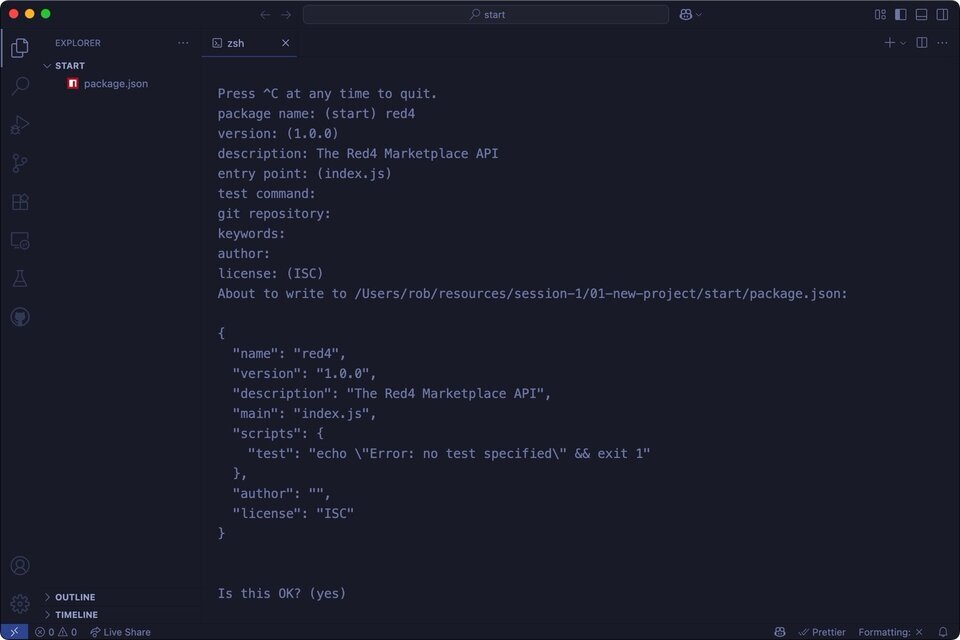
Great. If you don't know Node.js, we just initialized a new project using the command above.
Tangent: Small steps!
The key to winning at the AI coding game is to take small, well-defined steps that you figure out ahead of time. We don't want to "vibe out" the entire app in one shot. What we really want, is to think about what we need to get started, and call it a day!
We're going to rely on Git to help us if things go wrong, so let's do that part next.
Step 2: Setting up Git
You likely know how to do this already, but let's use Gemini to save us a bit of time, shall we?
Initialize git with a .gitignore
After a few seconds you should see this:
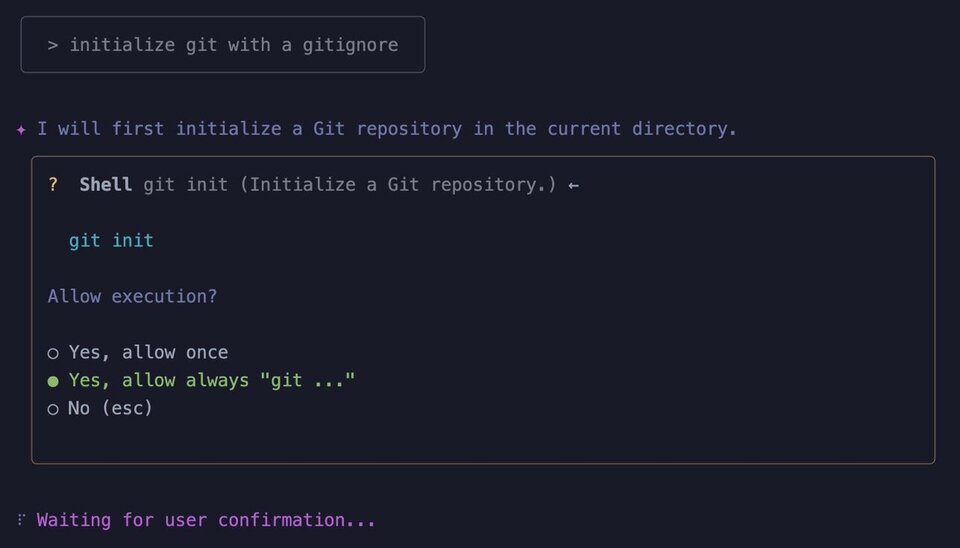
It's nice that Gemini asks for confirmation before executing a command. Let's allow always.
At this point, Gemini may fetch a web page for the latest .gitignore file for this project, after which time it'll write it out for you:
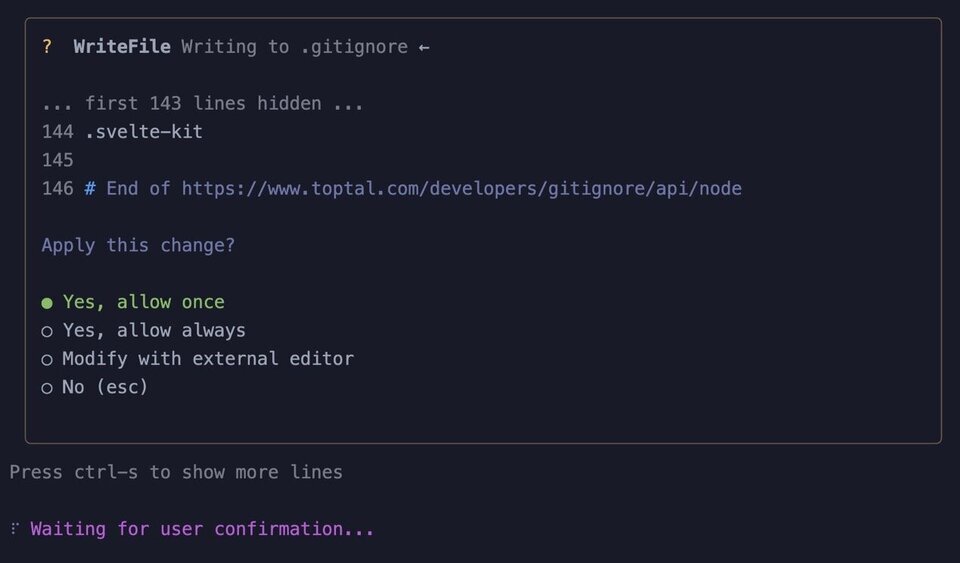
If you have any issues, make sure to ask for help from the folks around you, or the instructor.
Discussion: what just happened and was it a good thing?
We're getting used to using AI to help us do simple, boring tasks. Could we have done this faster? Absolutely:
npm init -y && git init && gi node > .gitignore
This would have resulted in exactly the same result in far, far less time. If you don't know, gi is a shell command you can set up from the good people at toptal.com and is super useful.
So why did we do it then?
In short: one of the skill you'll need to cultivate when working with AI is when to use it. It worked for us here just fine, but if you know how to do something yourself in a more efficient way - do it!
If you didn't know the above chain of commands, that's OK too. In fact it's something we could have asked Gemini how to do:
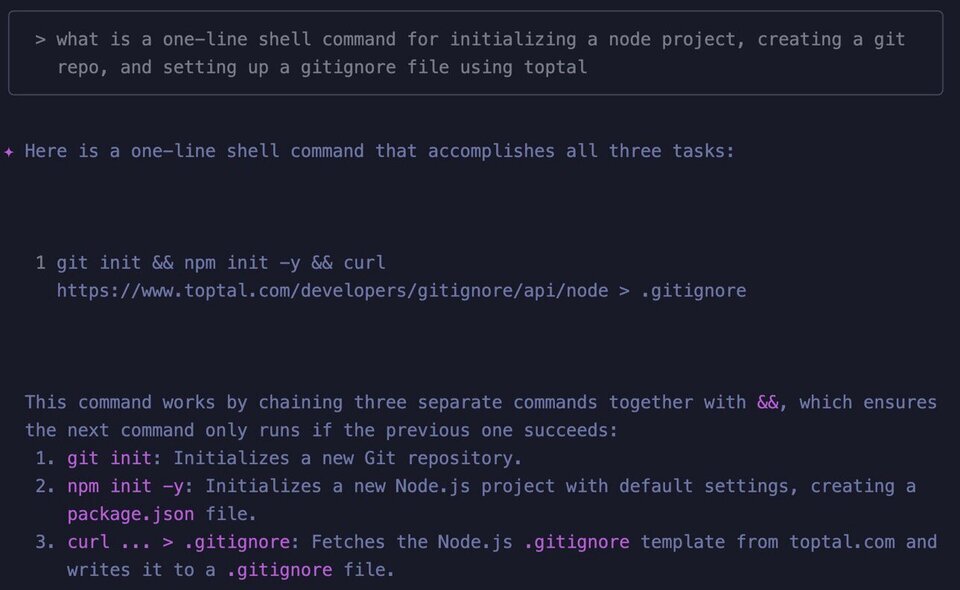
This is a critical bit of understanding. AI is great for helping you with things you don't know or can't remember. It's not necessarily there to replace you!
A focused workshop for working developers who need to use AI right now, in real projects, under real time pressure.